How to Use OneClick Code to Optimize Your Roof Estimates
Accurate Codes, Accurate Claims
Get accurate codes.
Build stronger estimates.
Get paid what you deserve.

How it Works
OneClick Code is EASY
.png?width=985&height=1352&name=1.%20Start%20your%20estimate%20where%20you%20always%20do%20(1).png)

-
1
Begin your estimate in your estimate software
-
2
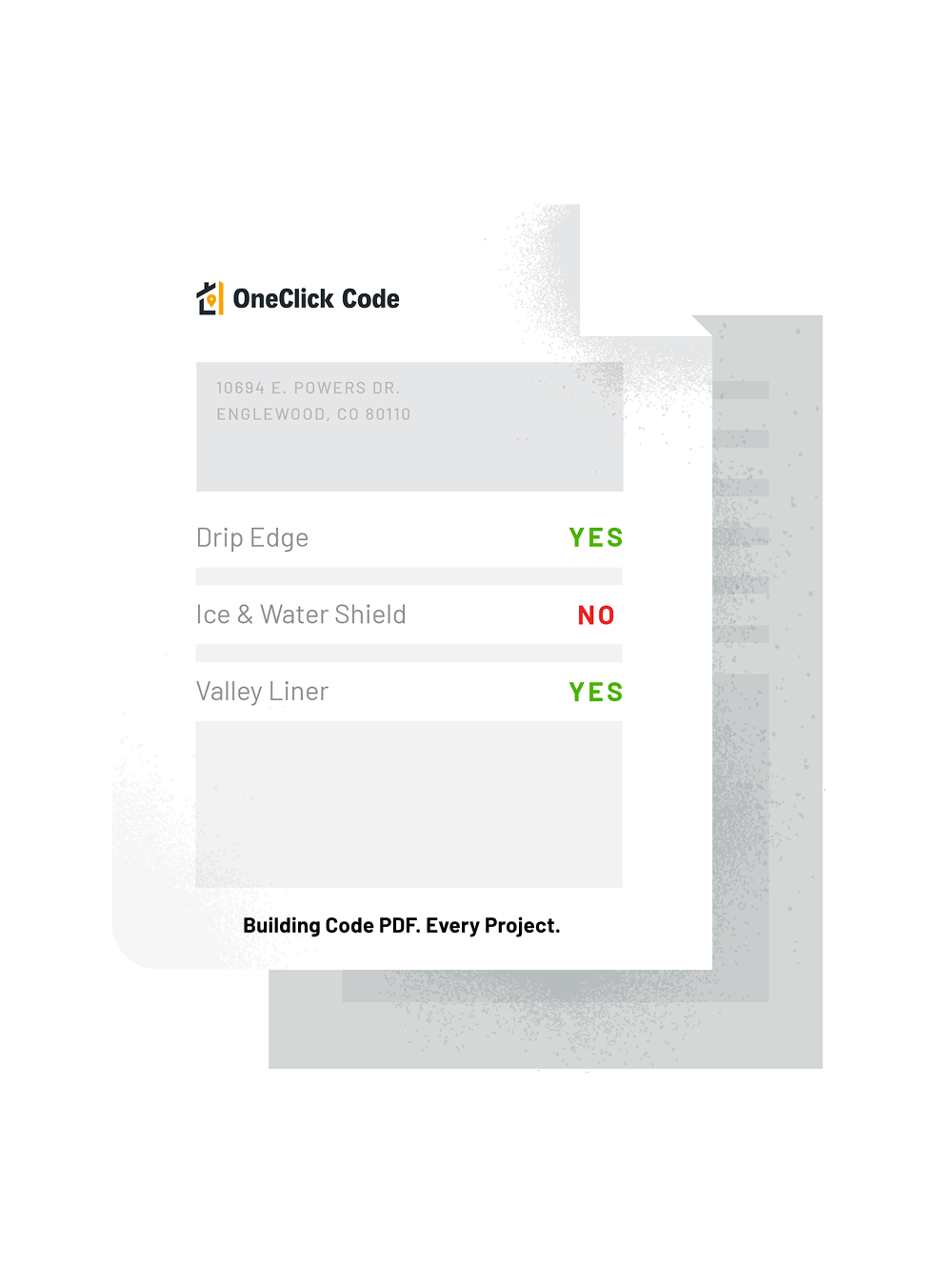
Look up codes directly in OneClick Code
-
3
Add codes to estimate & attach our PDF reports
-
4
Submit your estimate to the adjuster
-
5
Get paid the right amount, fast!

How It Works
ONECLICK CODE IS EASY
Begin your estimate in your estimate software
Kick things off in your preferred estimating platform — Xactimate, Symbility, RoofSnap, AccuLynx, or whatever your team uses today.
No switching tools. No learning curves.
— trusted by contractors, adjusters, and inspectors.
Look up codes directly in OneClick Code
Enter the property address and instantly pull the verified data you need, including:
- Ice & Water Shield requirements
- Roof Sheathing codes
- Permit fees
- Manufacturer installation requirements
- Local Jurisdiction details
- And more — all in one place
No guesswork. No back-and-forth with adjusters.
Add codes to estimate & attach our PDF reports
Download your Building Code Report and drop it into your estimate file.
Your source of truth and defensible documentation.
Submit your estimate to the adjuster
Your estimate now includes clear code requirements, real local data, and validated line items — making approvals smoother and faster.
Get paid the right amount, fast!
Fewer disputes. Less downtime. More money back in your pocket — sooner.
Everything You Need, All in One App
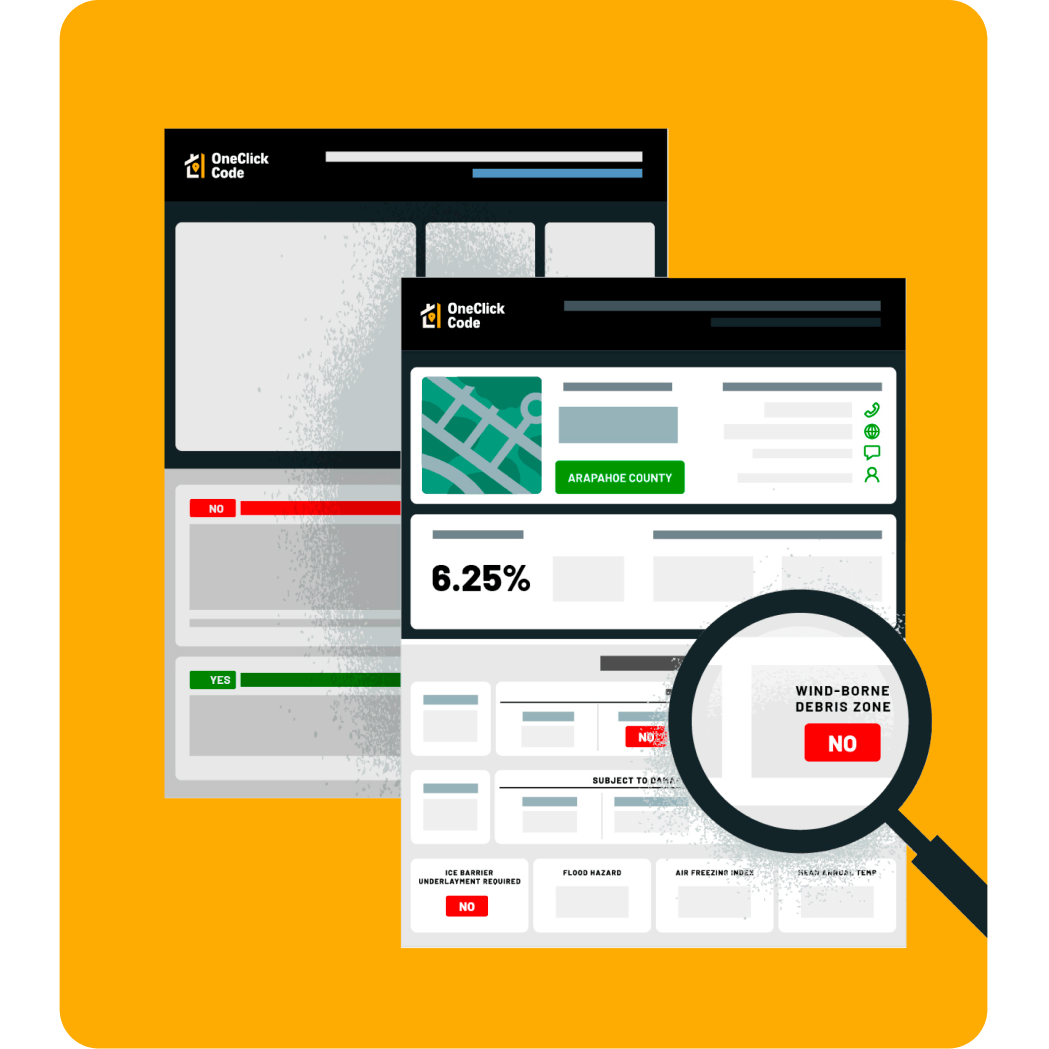
Building Code Detail Report
Your address-specific code report — trusted by contractors, adjusters, and inspectors.
4 Powerful Calculators
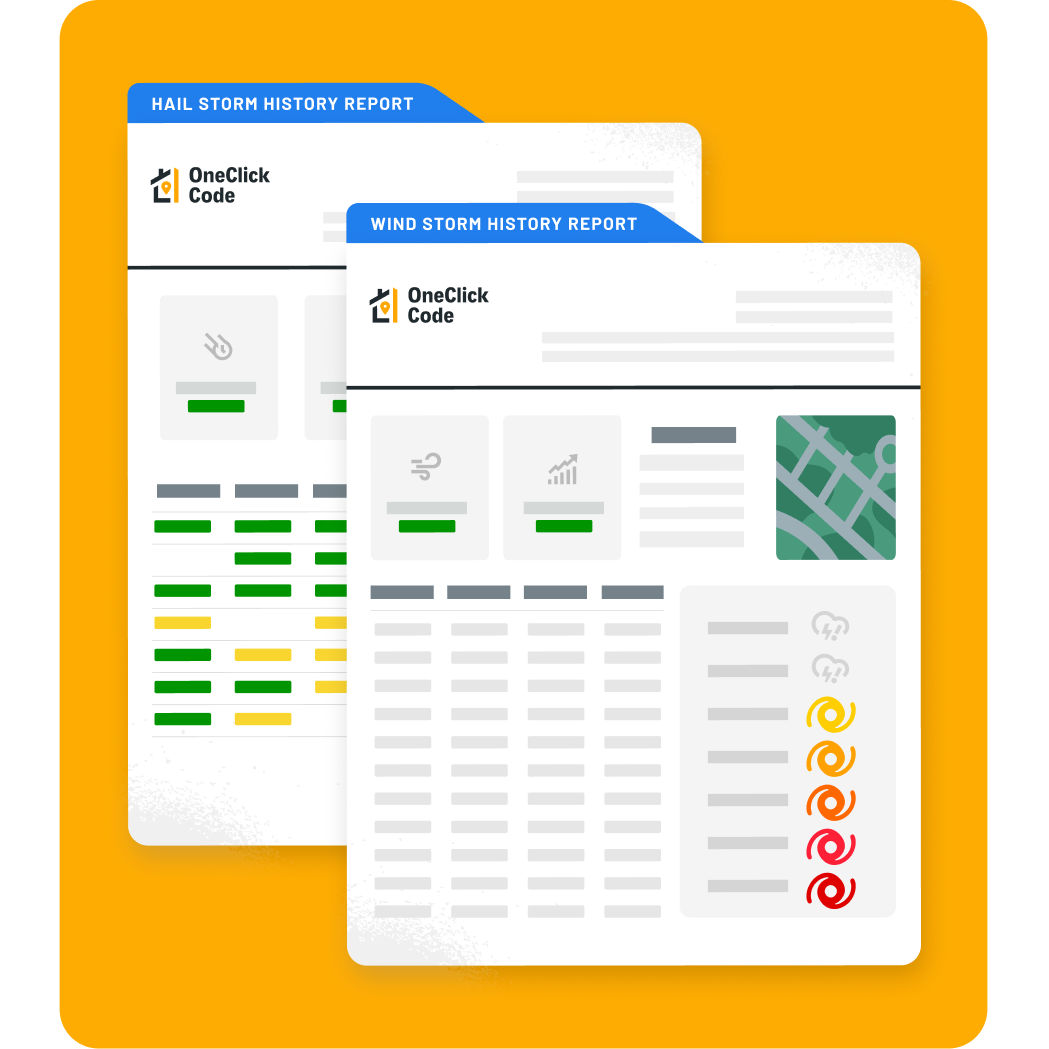
Weather History
Instant weather history for any address — wind, hail, and more.
Manufacturer Installation Specs
Verified roofing manufacturer installation requirements from major brands.